Chat, hang out, and play mini-games with your friends
Give your friend group a place to meet, share photos and start a game. Peeps combines a room chat with a shared pixel-art home, so you can keep coming back to the same people and the same space.
Download Peeps freeFor iPhone and Android. Optional in-app purchases.
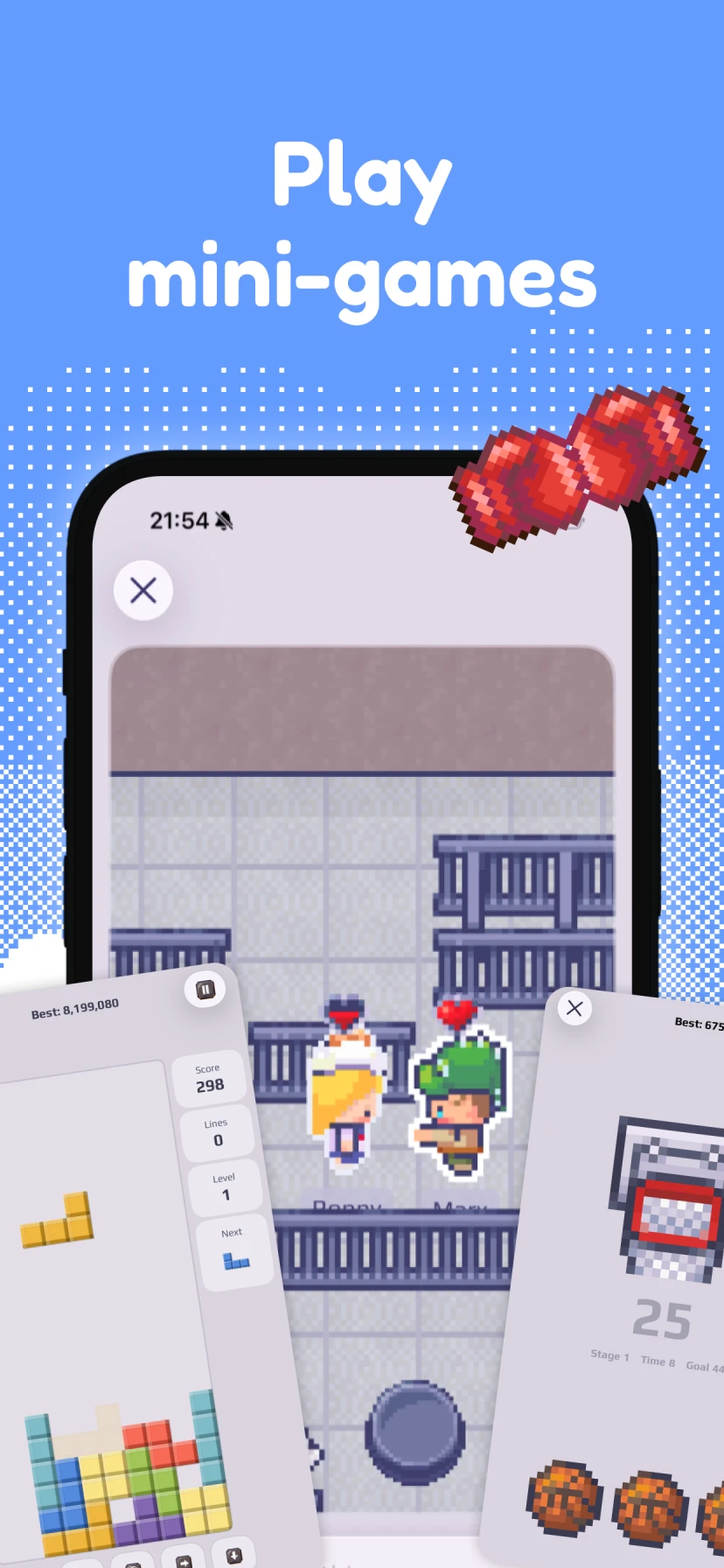
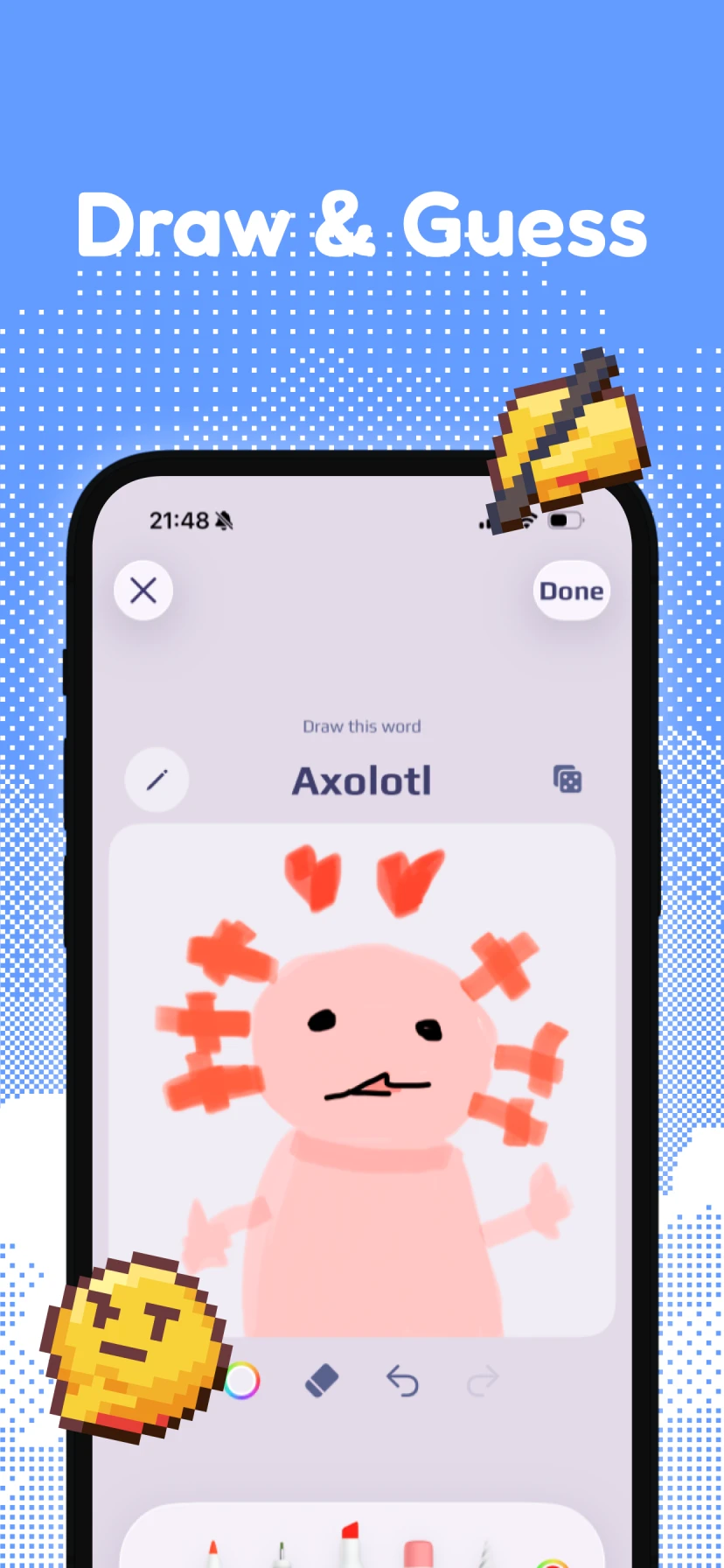
Pick a game for your group
| Game | Players | When to play | How it works |
|---|---|---|---|
| Tic-Tac-Toe | 2 | Both online | Take turns placing marks. Get three in a row before your friend. |
| Gomoku | 2 | Both online | Place stones on the board and connect five in a row. Leave time to finish the match together. |
| Draw & Guess | One drawer and room members guessing | Together or later | Draw a clue and share the challenge in the room chat. Friends can open it and submit guesses later. |
Board-game matches use in-game coin stakes shown in the app before joining. Coins have no cash value and cannot be exchanged for money.
Bring your existing friend group
Create a Peeps room and send its invitation code to friends you already know. Everyone joins with their own avatar, whether they use an iPhone or an Android phone.
Chat in the room, show the group a photo or choose furniture for your shared space. When someone feels like playing, open the room's game menu. The room and its conversation are still there when the game is over.
Choose a two-player match or a drawing for the group
Tic-Tac-Toe and Gomoku are head-to-head games for two players who are online together. Pick one friend for a match rather than expecting the entire group to take seats in the same board game.
Draw & Guess lets one person draw a clue and share it in the room chat for friends to solve. Room members can open the challenge and submit guesses when they have time, so the group does not need one matching schedule.
Keep something going between games
Post daily photos, earn coins from eligible photo tasks and use them for furniture or pet care. Your group can decorate the same room and look after the same virtual pets.
There is a shared place to visit even when nobody is ready for a match. Check a photo, feed a pet or leave a drawing challenge for the next person who comes by.
Get started together
Invite the group
Download Peeps, create a room and share the invitation code in your existing conversation.
Pick a game
Open the game menu in the room. For board games, invite one friend who is online; for Draw & Guess, share a challenge in the room chat.
Come back to the same space
Keep chatting, share a daily photo or work on the room together between games.
Frequently asked questions
Can iPhone and Android friends play together?
Yes. The iPhone and Android apps share the same Peeps rooms and games. Friends join using the room's invitation code.
Can the whole group play every game at once?
Tic-Tac-Toe and Gomoku are two-player matches. A shared Draw & Guess challenge can be answered by room members, who can submit guesses at different times.
Can friends play games directly in an existing WhatsApp or iMessage group?
Peeps games run inside the Peeps app. Send friends your room's invitation code in your existing chat, then join the same Peeps room to play.
Do mini-games use real money?
Board-game stakes use in-game coins, which have no cash value and cannot be exchanged for money. Check the stake in the app before joining. Peeps is free to download and has optional purchases and PRIME subscriptions.